

UAE PASS is the UAE’s national digital identity — one secure account on your phone that proves who you are to government departments and private companies across all seven emirates, lets you sign documents digitally, and stores your official documents in a digital vault. It is run by Digital Dubai, the Telecommunications and Digital Government Regulatory Authority (TDRA) and the Department of Government Enablement, and according to the UAE Government Portal (u.ae), it has been the country’s single digital identity since its launch at GITEX in 2018.
The good news: making an account is free, and with face verification most residents finish in under five minutes. This guide walks you through the sign-up — as a resident with an Emirates ID, and as a visitor with a passport — plus the account levels and the common problems, with their fixes.
Who Can Make a UAE PASS Account?
Almost everyone in the UAE can register:
- Citizens and residents register with their Emirates ID and can reach a fully verified account.
- Visitors can register with a passport — or a national ID card if you are a GCC national — and get a Basic account. Visitor registration has been available since 2022.
One limit to know upfront, straight from the official UAE PASS guidance: verified accounts are currently only permitted for Emirates ID holders. A visitor account works for the services that accept Basic accounts, but it does not unlock the full range of services, digital signing or the document vault.
What You Need Before You Start
- A smartphone (the account is created in the app — the UAE PASS website is for managing an existing account, not first sign-up).
- Your Emirates ID card (residents and citizens), or your passport / GCC ID (visitors).
- A mobile number and an email address you can access right away — both are verified with one-time codes.
- Good lighting for the face verification step.
Residents: use the mobile number that is registered against your Emirates ID. If your number has changed, update it first — our guide to updating your registered mobile number with ICP explains how, because a mismatched number is the most common reason the one-time code never arrives.
How to Make a UAE PASS Account: Step by Step (Residents)
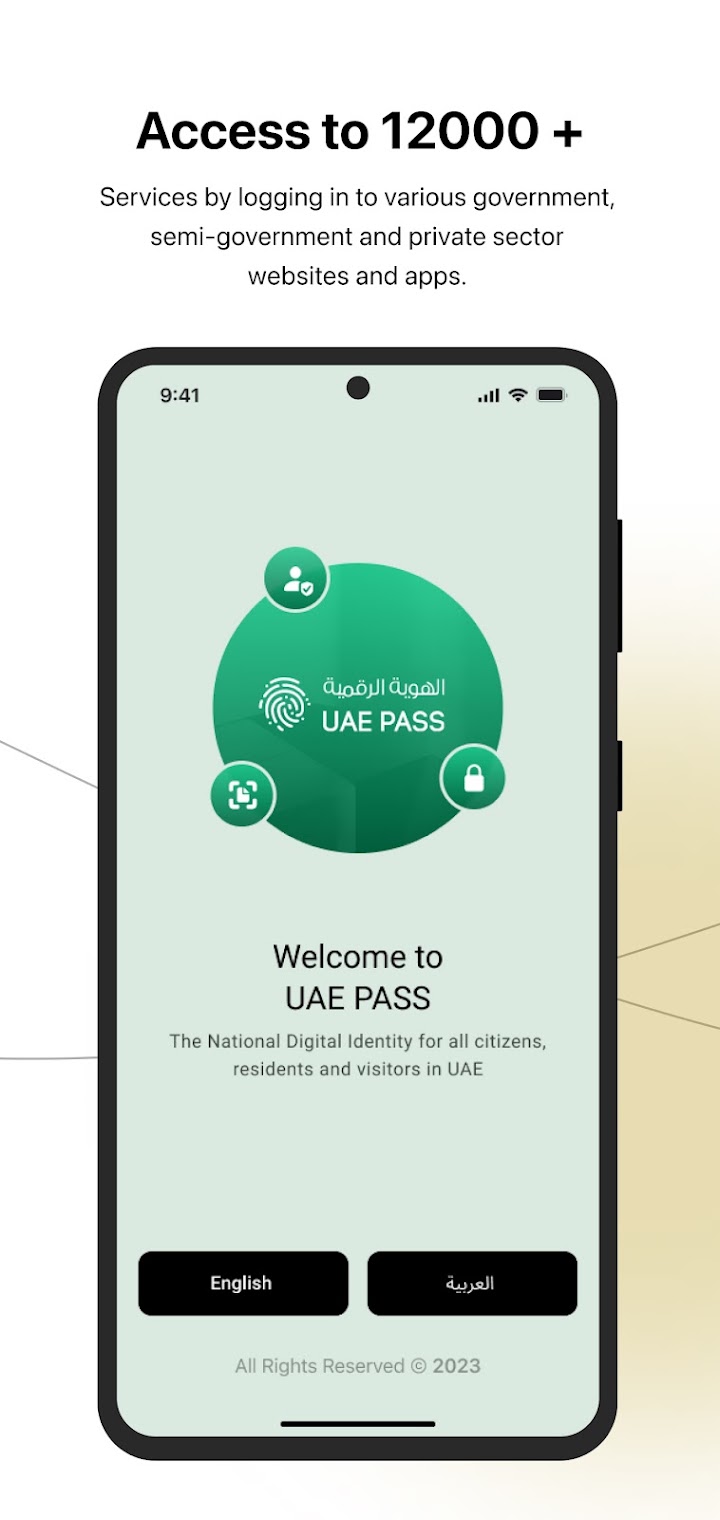
Step 1: Download the official UAE PASS app
Install UAE PASS from the Apple App Store or Google Play — the publisher is the UAE government side (Digital Dubai Authority / Smart Dubai). Download links are on the official site, uaepass.ae. Ignore look-alike apps with similar names.
Step 2: Create an account and accept the terms
Open the app, choose your language, tap Create Account and accept the terms and conditions.
Step 3: Scan your Emirates ID
Confirm that you hold an Emirates ID and scan the card with your phone camera when the app asks. The app reads your details from the card — check them carefully before confirming.
Step 4: Verify your mobile number and email
Enter your mobile number and email address. UAE PASS sends a one-time password (OTP) to each — enter both codes to verify them.
Step 5: Create your PIN
Choose a PIN for the app. You will use it to log in and to approve sign-in and signing requests, so pick one you will remember and never share it.
Step 6: Complete face verification
The app scans your face and matches it against the photo held in government records for your Emirates ID. The UAE Government Portal notes that this facial ID step is what makes a verified account possible in less than five minutes, without visiting a service centre.
Step 7: Set your digital signature password
Finally, set the password used for digital signatures. Your verified account is now active — you can log in to services, sign documents and use the digital vault.
Prefer to do it in person? You can also register and verify at a UAE PASS kiosk or service outlet using your Emirates ID — the recommended route if face verification does not work for you.
📸 Follow @dxbtalkofficial on Instagram for daily Dubai in photos →
How Visitors Make a UAE PASS Account (No Emirates ID)
- Download the UAE PASS app and tap Create Account, then accept the terms and conditions.
- Choose the Visitor option (answer “No” when the app asks if you have an Emirates ID).
- Choose Passport — or National ID if you are a GCC national — and scan the document.
- No document with you? The app offers an “I don’t have a passport” option: enter your personal details manually and register.
- Verify your mobile number and email with the one-time codes, then create your PIN.
- Complete the face verification in the app if it is offered — it confirms your Basic account against your document.
A visitor account is a Basic account: handy for the services that accept it, but if you later become a resident, link your Emirates ID to upgrade to a verified account.
UAE PASS Account Levels: Basic, Verified (Advanced) and Verified (Qualified)
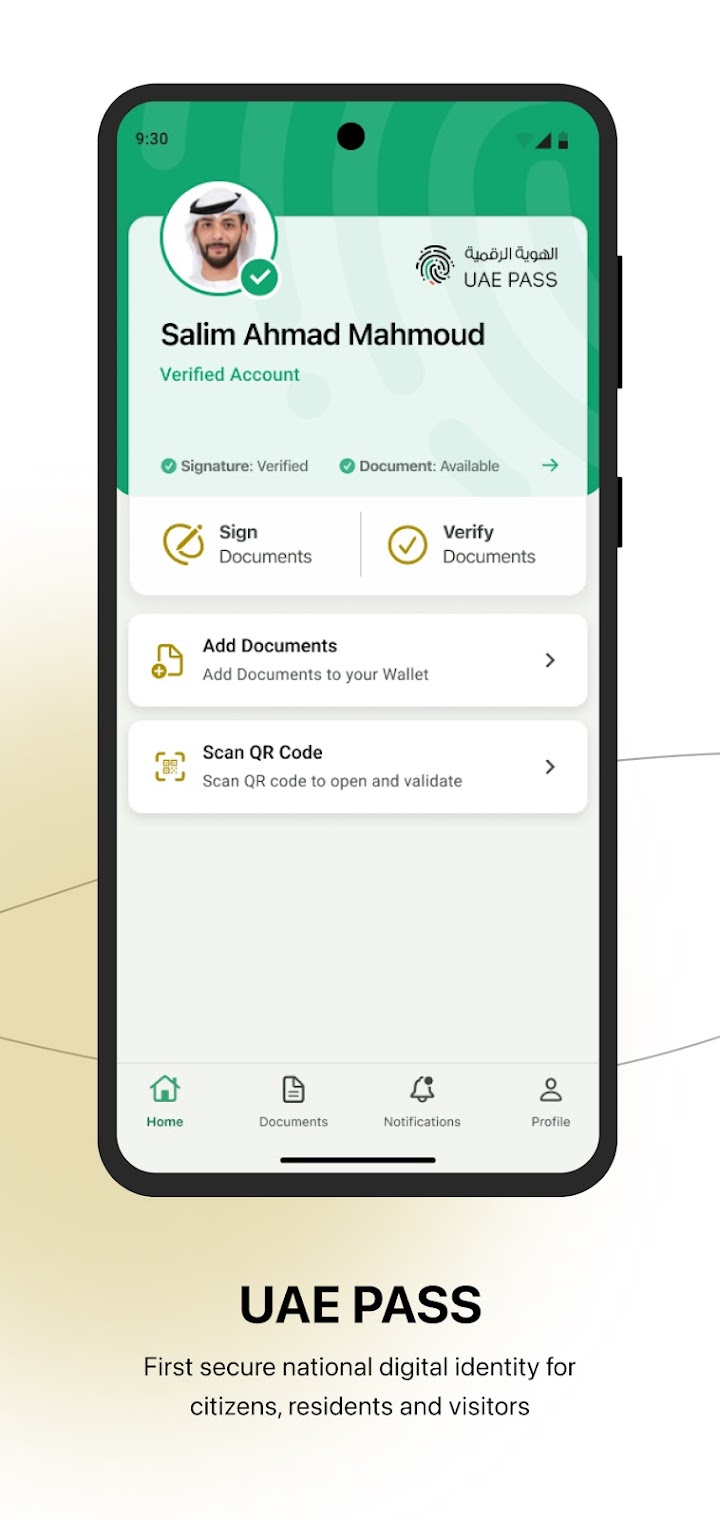
Every UAE PASS account sits at one of three levels (called SOP1, SOP2 and SOP3 in the official developer documentation):
- Basic (SOP1): created with just a name, mobile number and email — no verified identity document. You can sign in to services that accept Basic accounts, but you cannot sign documents or use the digital vault.
- Verified — Advanced (SOP2): your Emirates ID is verified (including upgrades from the old SmartPass or Dubai ID). This unlocks the digital vault and document signing with an advanced electronic signature.
- Verified — Qualified (SOP3): your Emirates ID is verified with biometrics — the face (or fingerprint) verification. This is the full account: qualified electronic signatures, the vault, and data-sharing approvals. Only biometric-verified accounts reach this level.
For the bigger picture of what the app does day to day, see our explainer: UAE PASS Explained: The App That Unlocks Government Services.
Common Problems — and the Official Fixes
Face verification keeps failing
Retry in bright, even light, holding the phone steady at eye level. If it still fails, verify in person at a UAE PASS kiosk with your Emirates ID instead — the officially recommended fallback.
The OTP code never arrives
Your one-time codes go to the mobile number and email on record. If your number changed since your Emirates ID was issued, the code is going to the old number — update your registered mobile number with ICP first, then register again.
Emirates ID expired or details do not match
Verification matches your live face and details against your Emirates ID record, so an expired ID will not pass. Renew the Emirates ID first, then complete UAE PASS verification.
Locked out or forgot your PIN
Use the account recovery options in the app or the UAE PASS self-care portal. If you are stuck, the UAE PASS help desk is on 600 561 111 and [email protected].
Stay Safe: It Is Free, and It Is Only in the App
- Registration is completely free. The official FAQ is explicit: there is no charge to register for or use UAE PASS. Never pay an agent or typing centre to “make” your account — at most, a centre can help you use the app; the account itself costs nothing.
- Only use the official app, downloaded via the links on uaepass.ae or your phone’s official store.
- Never share your PIN or one-time codes with anyone who calls, messages or emails you — UAE PASS staff will not ask for them.
- Before approving a login request in the app, check which service is asking.
FAQs
Is UAE PASS free to make?
Yes. There is no charge to register for a UAE PASS account or to use it.
Can I make a UAE PASS account without an Emirates ID?
Yes — visitors can register with a passport (or GCC national ID). The account stays at the Basic level with limited services, because verified accounts are only for Emirates ID holders.
How long does it take to make a UAE PASS account?
With face verification, the UAE Government Portal says a verified account can be created in less than five minutes.
Can I register for UAE PASS from outside the UAE?
You can create a Basic visitor account from abroad. Full verification requires an Emirates ID and either face verification in the app or a kiosk visit inside the UAE.
What can I actually do with UAE PASS once I have it?
Log in to thousands of government and private-sector services with one account, sign documents digitally, verify signed documents, and request, store and share official documents from the app’s digital vault.
Sources: The UAE Government Portal page on the UAE Pass, the official UAE PASS website and FAQ, ICP’s published registration steps, and the UAE PASS developer documentation on account types. Screenshots: official UAE PASS app listing (Google Play, Digital Dubai Authority).