

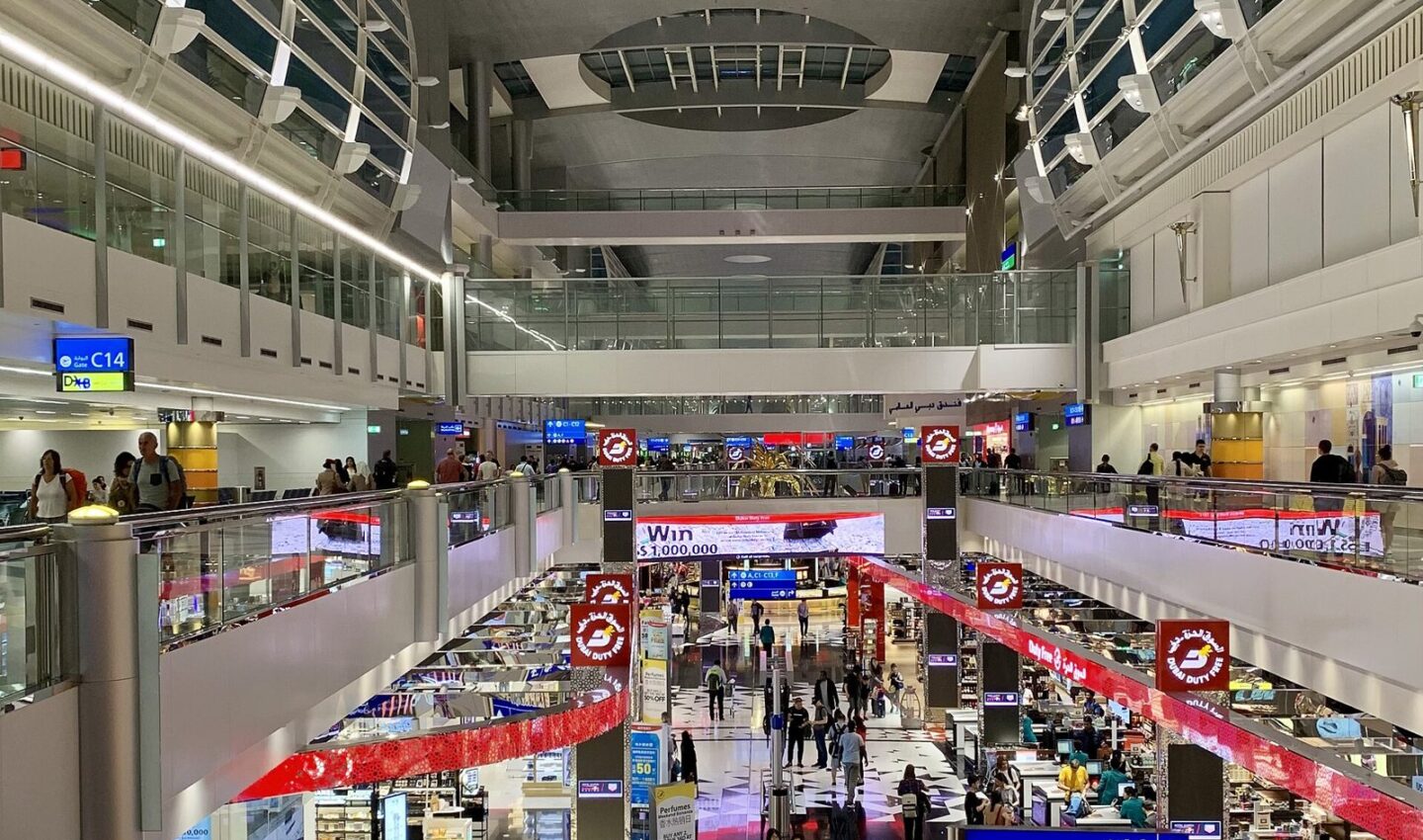
When you land at Dubai International (DXB), you can pick up a free tourist SIM from du at passport control or the du desk in arrivals — it is usually handed to visitors aged 18 and over with a small starter data allowance, and you activate it by inserting it, switching on mobile data and following the SMS prompts with your passport details. If you need more data, top up or buy a tourist pack from du, Etisalat by e& or Virgin Mobile before you leave the airport, while staff can help you.
Quick facts
- Where: Passport control and telecom desks in DXB Terminals 1, 2 and 3 arrivals
- Cost: The starter SIM is free; paid tourist packs typically around AED 49–200 depending on data and validity — check the operator’s current airport offer
- Time needed: About 5–15 minutes including activation and a data check before you walk out
- What you need: Your passport with the UAE entry stamp or e-visa, and a phone that is unlocked and not SIM-locked to a home network
Step by step: getting and activating the free SIM
- Look for the SIM at immigration. Officers or the desk just after passport control often hand the du tourist SIM pack to arriving visitors. If you do not see it, ask at the du or Etisalat by e& counter in arrivals before you go through customs — it is harder to get the free offer once you have left the terminal.
- Show your passport. UAE law requires every SIM to be registered to an identified person. Staff will scan your passport and visa or entry stamp. Never buy an already-registered SIM from a stranger or a small shop offering to skip this step; it can be cut off and creates problems for you.
- Check your phone is unlocked. Insert the SIM and restart the phone. If it asks for a network unlock code, your handset is locked to your home carrier — in that case use airport Wi-Fi and your home roaming or an eSIM you bought before travel, if your phone and home plan support it.
- Activate following the SMS. You will get welcome messages with activation and balance instructions. Some starter packs activate automatically on first use; others ask you to confirm passport details or dial a short code printed on the pack. Do this at the desk so staff can fix any failure on the spot.
- Test data before you leave. Turn off Wi-Fi, open a map and a web page, and send a message. Check the remaining data and expiry in the operator app or by the balance code on the pack. The free allowance is small and short-lived — often around 1GB for 24 hours on past offers, but the current pack may differ, so read the expiry on yours.
- Decide whether to top up or switch packs. If you are staying more than a day or two, compare tourist packs there and then: how many GB, local and international minutes, validity in days, and whether social apps are included. Pay by card and keep the receipt until the pack shows as active in the app.
- Download the operator app. The du or e& app lets you recharge, buy add-ons and see expiry without finding a shop. Register with the same passport details and a working email so you can recover access if you change phones.
- Note the expiry date. Tourist SIMs are tied to your visit and are deactivated after a set period or when you leave, depending on the pack. If you later become a resident, you will register a new SIM in your name with your Emirates ID.
Choosing between du, Etisalat by e& and Virgin Mobile
Coverage in Dubai is good on all three. Choose on data size and validity, not a headline price for a pack that expires before your trip ends. If you use maps, Careem and video calls daily, a mid-size pack beats topping up a tiny one three times. Ask: “What happens when data runs out?” and “Can I top up with a foreign card?”
Costs in AED
The starter SIM itself is free. Tourist packs at the airport typically start around AED 49 for a few GB over a week or so, rising to around AED 125–200 for larger data and call bundles — typically, check the operator’s current offer at the desk, as promotions change by season. Topping up later in supermarkets and petrol stations is easy, but small top-ups work out more expensive per GB than buying the right pack once.
Using it well in Dubai
Save data by downloading offline Dubai maps over hotel Wi-Fi, and use free Wi-Fi in malls and the Metro for large downloads. Keep your home SIM safe if you remove it — you will need it for bank one-time codes, so many travellers keep it active on a second slot or eSIM and use the UAE SIM for data.
Common mistakes
- Walking past arrivals and then trying to claim the free SIM in a mall shop, where staff cannot always issue the airport offer.
- Leaving without testing data, then discovering in the taxi that activation failed.
- Buying a huge pack for a short trip — validity days matter as much as gigabytes.
- Throwing the pack away. The SIM number, PUK and expiry are printed on it; photograph them.
FAQ
Can I get the free SIM if I arrive on an e-visa or visa on arrival?
Yes, visitors entering on either are normally offered it, as long as you are 18 or over and present your passport at the airport desk. Offers can change, so ask at immigration if you are not handed one.
What if my phone only supports eSIM?
Ask the operator desks about a tourist eSIM and activation by QR code, or buy one from the operator’s app on airport Wi-Fi. Keep your passport ready — registration is still required.
Can I keep the number if I move to Dubai?
Usually you will take a new resident line registered to your Emirates ID, though operators can sometimes convert or port arrangements. Ask the operator once your Emirates ID is issued.


